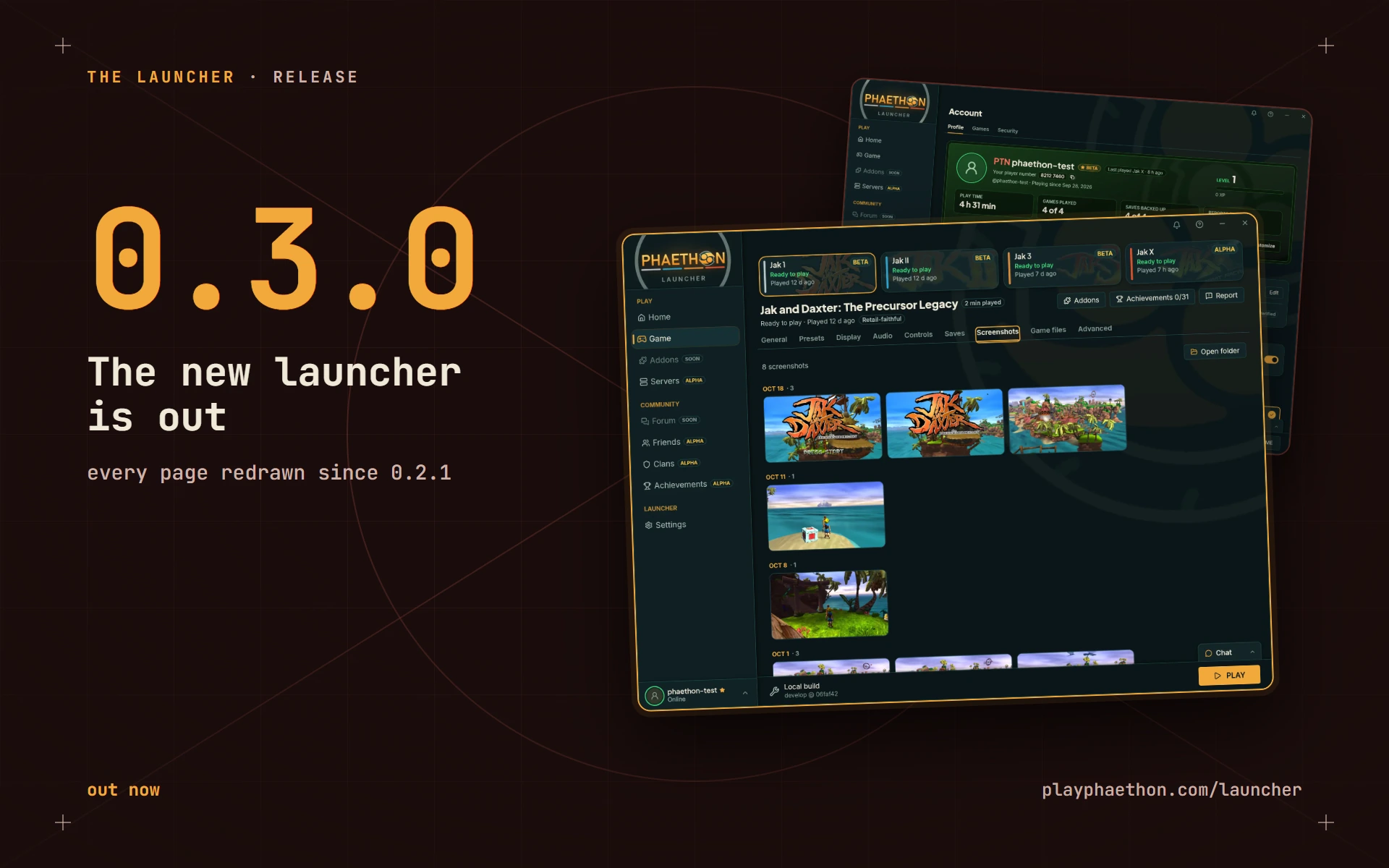
Launcher 0.3.0 is out today. It's the redesign I wrote about earlier this week, tested, smoothed over and ready for everyone. Your launcher will offer the update the next time it starts, and if you're new, the launcher page has it.
That post has the full tour with pictures, so I'll keep this one short.
What you'll notice
- A new look, on every page. One design everywhere: a row for each setting, switches for things you turn on and off, and Home leading with the game you have selected.
- A new setup. First run fills the window and takes you through it one step at a time.
- A bell. It lights up when something finishes or arrives, and keeps how your installs, updates, imports and backups ended.
- Screenshots. Each game gets a tab with its pictures by day, with zoom, copy, full screen and delete.
- Your account, in the launcher. The Account page shows your profile card and player number, and lets you download your data or delete the account.
- Reports that reach me. The Game page's Report button files a report from your last run, and the Report page shows my replies.
- Controllers. A game controller now moves through the launcher. Settings can turn that off.
- Add to Steam. One button on a game's General tab puts it in your Steam library.
A little more private
Play sessions and save backups used to carry your PC's Windows name. From 0.3.0 they carry a made-up label instead. Crash reports no longer include your Windows account name, and anything you agree to send after a game goes wrong is shown to you in full first. There's also a switch on the Saves tab that turns cloud saves off for every game. The privacy page has the details.
For beta testers
Friends, clans, chat and achievements are in this release too, open to beta accounts for now. They're early, and I'd rather they settle with a small group before everyone gets them.
Honest rough edges
A few new settings won't do anything until the games catch up with the launcher, and the launcher says so where that's the case. This is also a big release: nearly every screen changed, so something will have slipped past me. If you hit it, the Report button is right there on the Game page, and I read every one.
Every last change is in the changelog.
Alex (maintainer, and a mechanical engineer by trade)